D.A.R.S.
Drone Awareness Relay System
A passive drone Remote ID receiver — it picks up the Remote ID broadcasts nearby drones transmit over 2.4 GHz & 5 GHz WiFi and Bluetooth, and relays them to a live feed on your phone. What is Remote ID?
Watch · 3 minutes
What D.A.R.S. does, explained
Captions are available in the player controls.
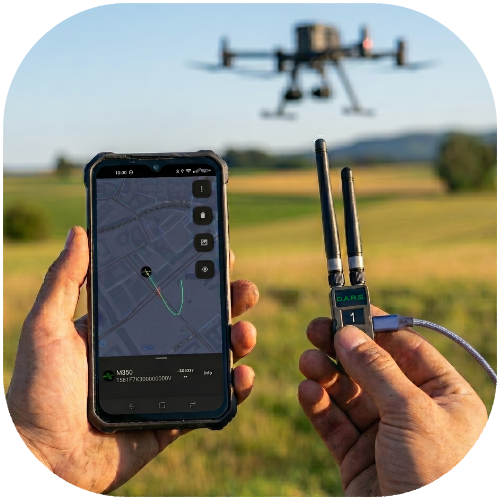
2.4 GHz Detection
Passive drone Remote ID detection over 2.4 GHz WiFi & Bluetooth, relayed to your phone. A 3D-printable case and LoRa mesh mode are included.
Details →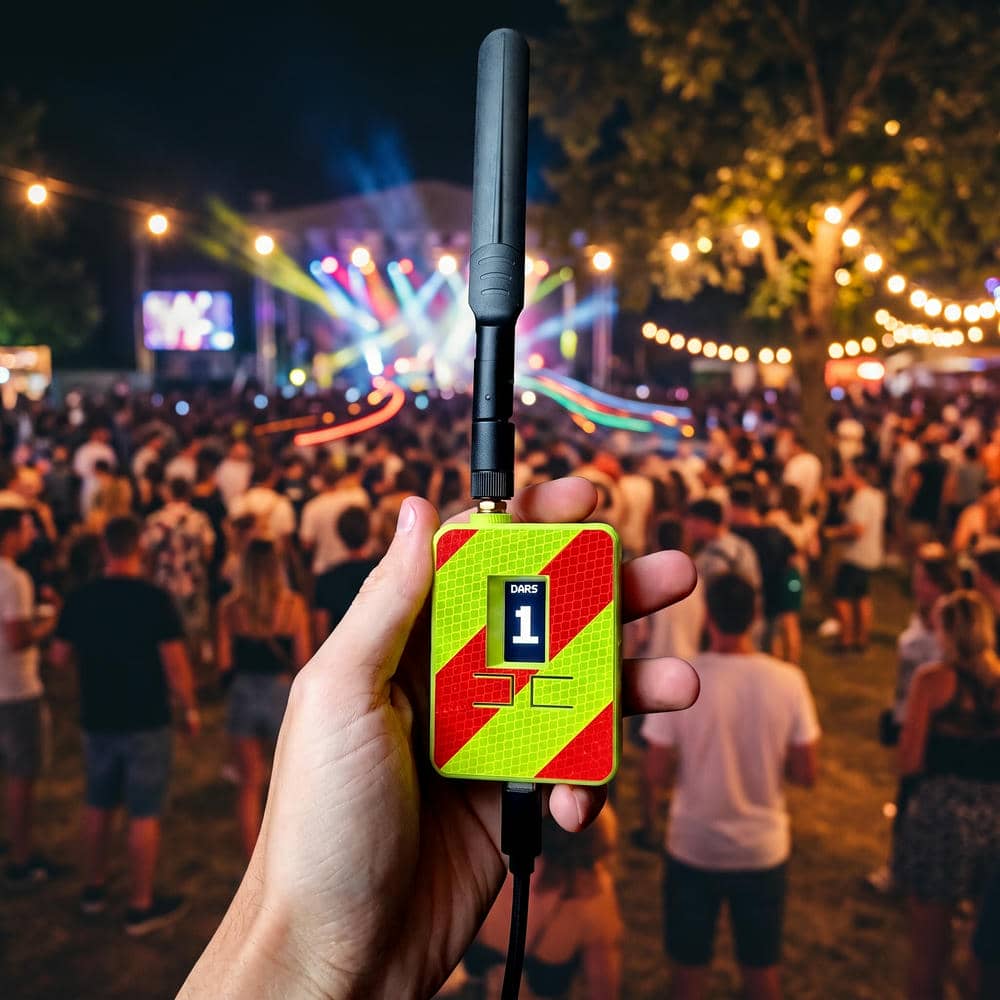
Full Dual-Band Detection
Dual-band D.A.R.S. with 2.4 GHz + 5 GHz coverage for detecting drones that broadcast Remote ID on the 5 GHz band — wider, more complete airspace awareness.
Details →D.A.R.S. App
A live feed of every detected drone — map, alerts, and Remote ID details on your phone. Works with D.A.R.S. hardware over Bluetooth or USB. Free on Google Play.
Details →D.A.R.S. Plugin for ATAK-CIV
Bring D.A.R.S. drone Remote ID detections straight into ATAK-CIV (Android Team Awareness Kit) as live map overlays for situational awareness.